
Short answer: set up one pipeline that mirrors your sales steps (new lead, contacted, inspection booked, inspection done, estimate sent, won or lost), connect every lead source to it, and add four workflows first: an instant reply to new leads, inspection reminders, no-show recovery and estimate follow-up. Add review requests and reactivation once those run reliably.
A pipeline that matches how roofing jobs are sold
An example structure, to adapt to your own process:
| Stage | What it means | Typical automation |
|---|---|---|
| New lead | An enquiry has arrived from any source | Instant text and email reply, owner assigned, team notified |
| Contacted | Someone has spoken to the homeowner | Booking link sent if no inspection is booked |
| Inspection booked | Date and address confirmed | Confirmation plus reminders before the visit |
| Inspection done | Roof assessed, estimate to prepare | Internal task to send the estimate |
| Estimate sent | The homeowner is deciding | Spaced follow-up until a decision or a stop rule |
| Won / Lost | Decision recorded | Won leaves sales automations; lost can enter long-term nurture |
If you handle storm or insurance-related work separately from retail replacements, give it its own pipeline or tag rather than mixing timelines that behave differently.
Connect every lead source
- Website forms and calendars post straight into the pipeline with the page they came from.
- Facebook and Instagram lead forms can trigger a workflow the moment someone submits (see our lead ads guide).
- Phone calls are the biggest leak for busy crews. Missed-call text-back acknowledges every missed caller within seconds.
- Google Business Profile messages and calls should land in the same conversation inbox.
Four workflows to build first
1. Instant reply and ownership
Every new lead gets a short text and email that confirms the request and offers a booking link, and one named person becomes responsible for the next step.
2. Inspection booking and reminders
Confirm the date and address, remind the homeowner before the visit, and alert the inspector.
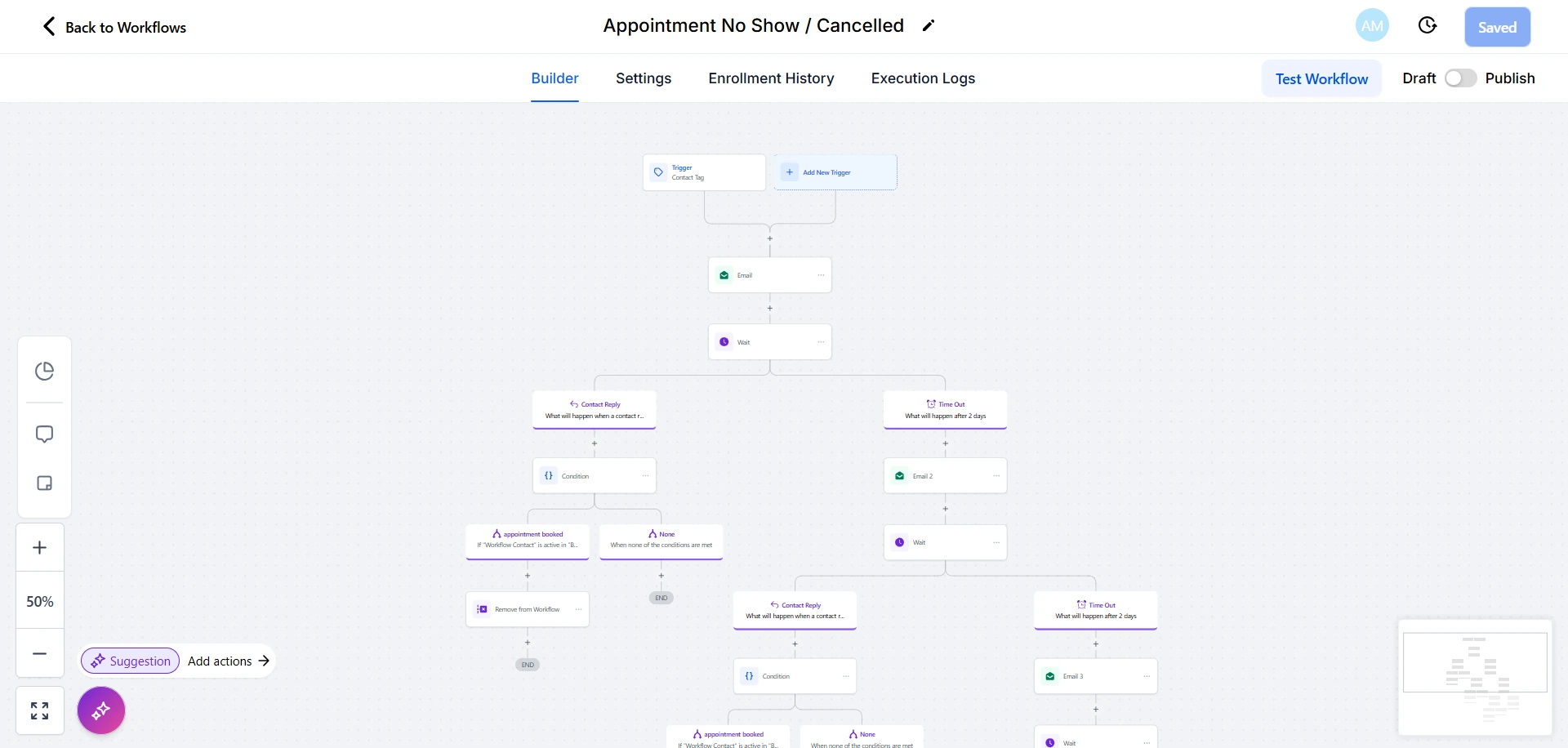
3. No-show and cancellation recovery
When a visit is missed or cancelled, send a rebooking message, wait for a reply, and stop as soon as the homeowner responds so your team takes over.
4. Estimate follow-up
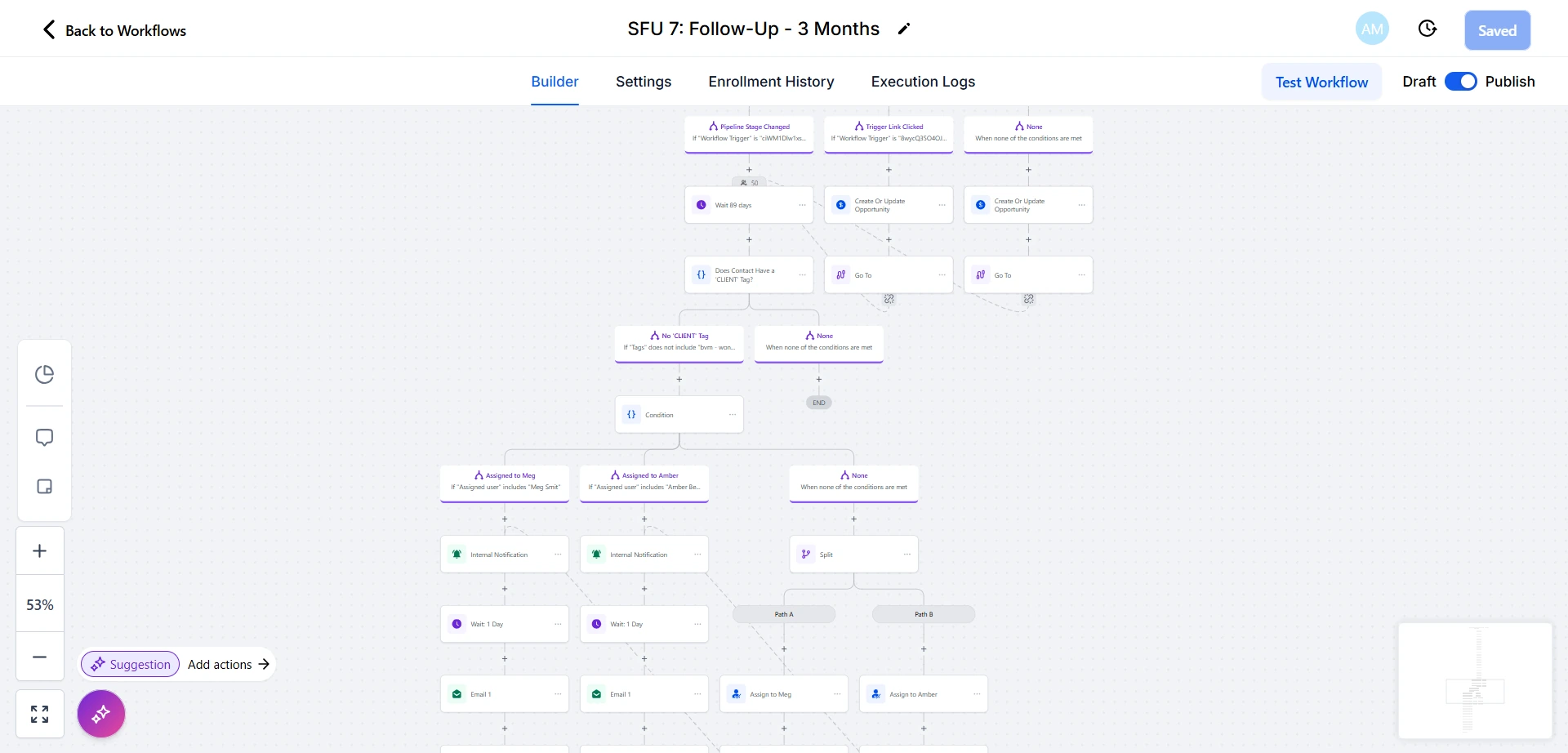
Most decisions are not made the day the estimate arrives. A spaced sequence over several weeks, with a named owner and a clear stop rule, keeps the conversation open without pestering.
Keep the pipeline clean
When a job is won, remove the contact from sales sequences and move them to the customer side: job updates, review requests and, later, maintenance reminders. A clean-up workflow that does this automatically stops customers receiving sales messages after they have signed.
Text-message compliance in the US
Business texts sent to US numbers from a local 10-digit number need A2P 10DLC registration, completed in HighLevel under Settings, Phone System, Trust Center. Collect consent on your forms, include opt-out wording, and register before you switch sequences on.
Frequently asked questions
Is GoHighLevel a good CRM for roofing companies?
It suits roofing companies that need fast lead response, booking, reminders and follow-up in one place. Teams that mainly need job costing, material ordering or crew scheduling may run it alongside a field-service tool.
Can it work with our existing field-service software?
Often, through native integrations, webhooks or a connector. Map which system owns each record first so the two do not overwrite each other.
What should we automate first?
The first reply to new leads and missed calls. Speed of the first response is where most roofing enquiries are won or lost.
How much does it cost?
See our GoHighLevel setup cost guide for plan prices, usage charges and what drives setup cost.
Related: Roofing marketing agency · Roofing lead follow-up and CRM automation · Roofing CRM implementation checklist · Blue Hammer Roofing case study